Ozil Goal AI Examples
Every clip here was generated from one photo. Same shot each time: the run onto the ball, the chip over the keeper, two defenders sliding past and the finish. Only the person changes.
- Man
- Woman
- 9:16, 4:3 and 16:9
- Clips
- 6
- Kinds
- 2
- Photos each
- 1
Gallery
Sample clips
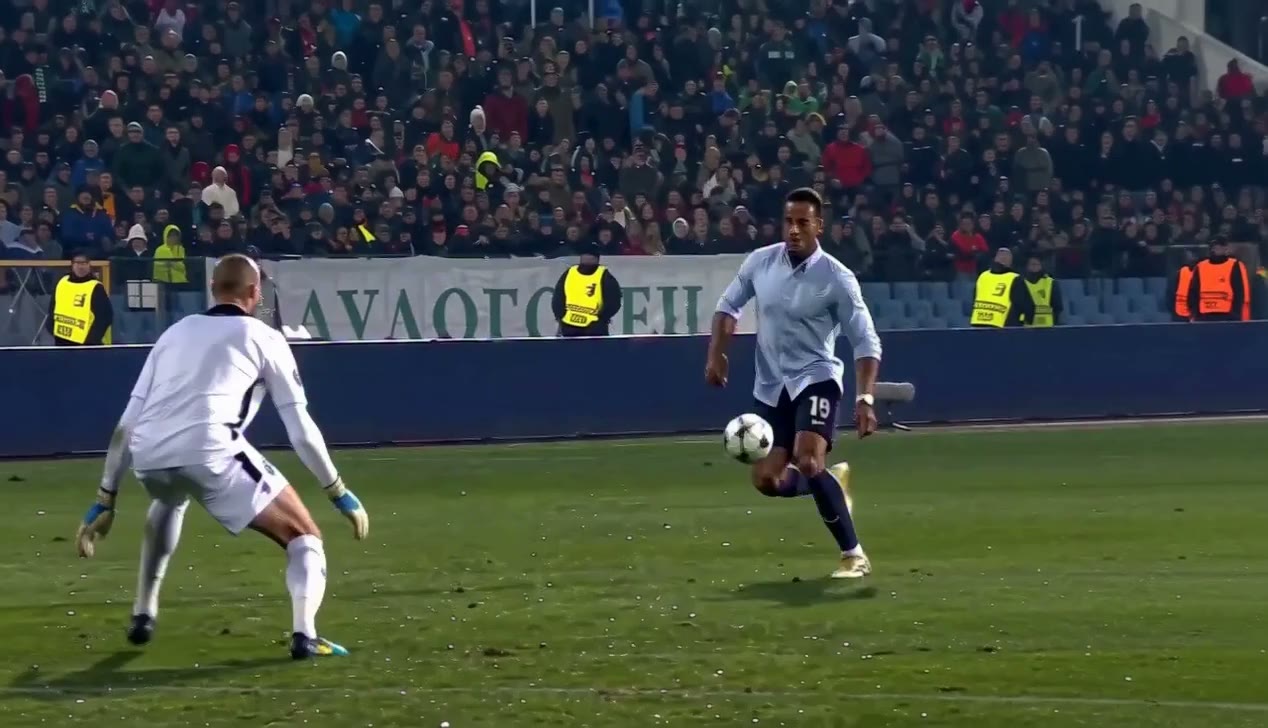
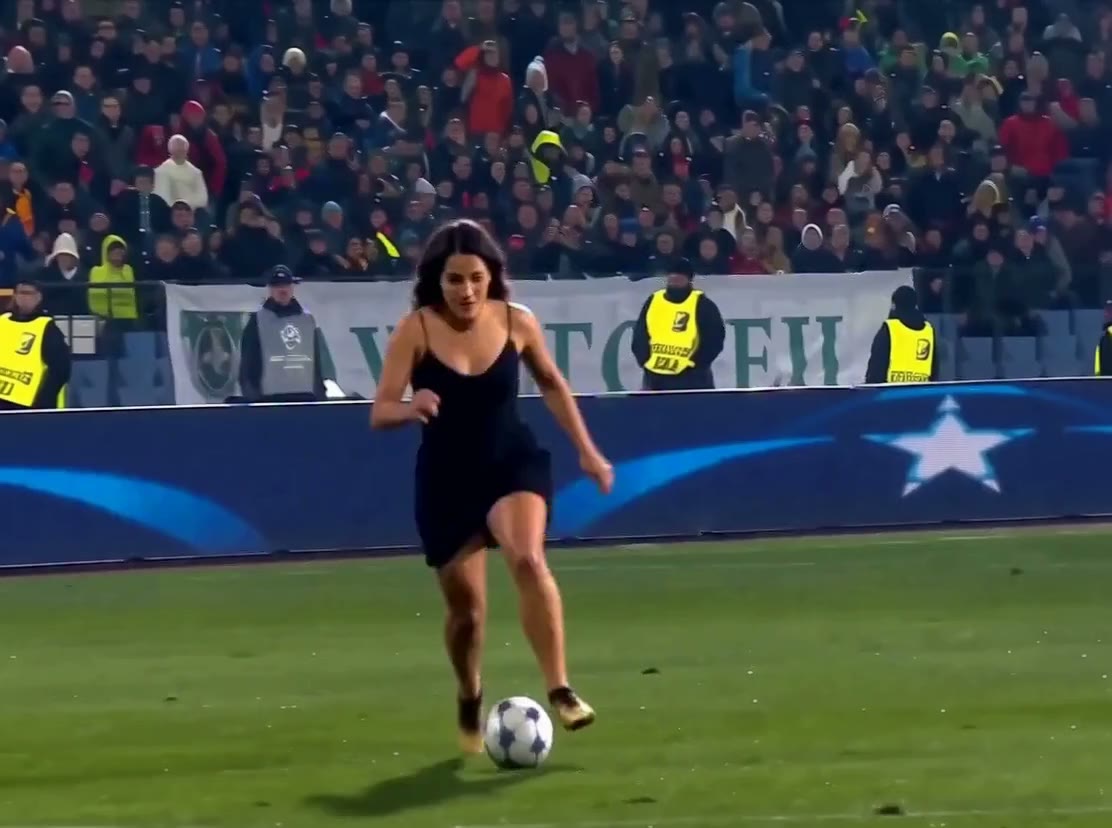
Watch closely
What to notice in each beat
01 /
The run-in
The clip opens on the run onto the ball. This is the frame that tells you quickly whether the photo was a good one.
Look forDoes the person arrive on screen already moving, with the same face as the photo?
02 /
The chip
The keeper commits, and the ball goes over him. The camera stays behind and slightly wide so the whole move reads at once.
Look forDoes the ball lift over the keeper as he comes out?
03 /
The slide
Two defenders throw themselves into tackles in front of an empty net and end up out of position. Timing is what makes it look right.
Look forDo both defenders slide past without touching the ball or the player?
04 /
The finish
A composed roll into the net. By now the clip has had the longest time to drift, so this is the best check of identity.
Look forIs the last touch calm, and does the face still look like the same person?
Want the full story of the shot? The Ozil goal AI video guide covers where it comes from and how a clip is made.
FAQ
About the examples
01Who appears in the example clips?
The samples are fan-made clips generated from single portrait photos of two different people. They are AI edits of a reference clip of the move, not recordings of the goal, and none of them shows or represents Mesut Özil.
02Will my clip look like these?
The shot is the same, but the person, the clothes and the lighting come from your photo, so no two clips are identical. A sharp, front-facing photo gets you closest to what you see here.
03Why does a face sometimes shift slightly during a clip?
Generated video is close, not perfect. The face can drift a little as the body moves, especially with a dark, tilted or low-resolution photo. Even light and both eyes visible help the most.
04Can I post or reuse these example clips?
They are on this page to show what the tool does. Make a clip from your own photo to post, so that the person in it is you or someone who agreed.
05Do all the examples use the same camera and style?
The choreography and the camera are the same each time. What changes is the person and the details the photo carries, such as clothing, hair and the way the light falls on the face.
06How do I make one of my own?
Sign in, upload one photo, choose the length, frame and resolution, and press Create. The credit cost is shown before you commit, and a finished clip appears in My Creations.
Your turn
Make the next one.
One photo, a few settings and a credit cost shown before you start. Failed renders are refunded.
Ozilai is an independent fan-made tool. It is not affiliated with, endorsed by or sponsored by Mesut Özil, any club, league or broadcaster. The clips on this page are samples that show what the tool does.